

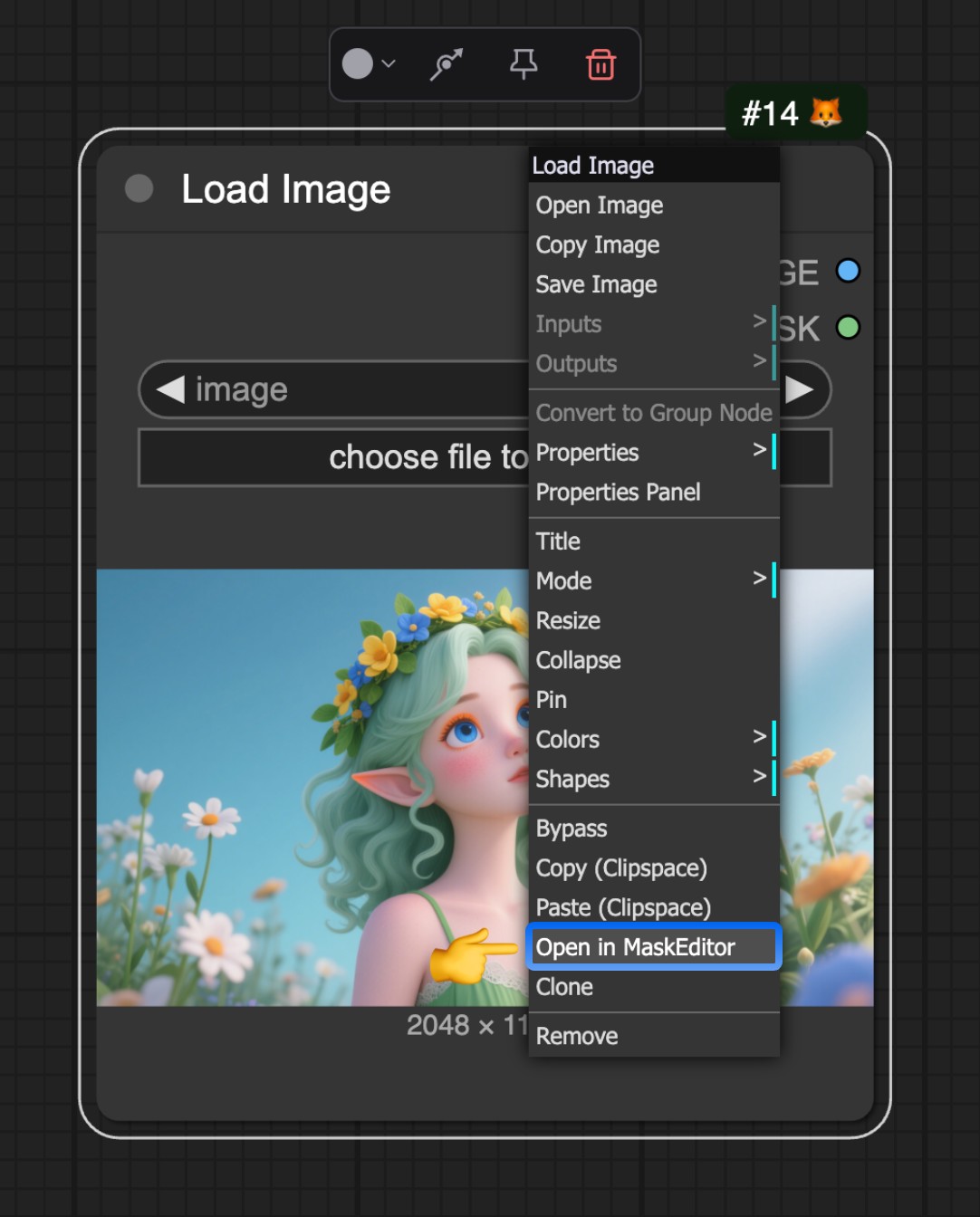
Load Image node. After uploading an image, you can right-click on the node and select Open in MaskEditor from the menu to open the Mask Editor.
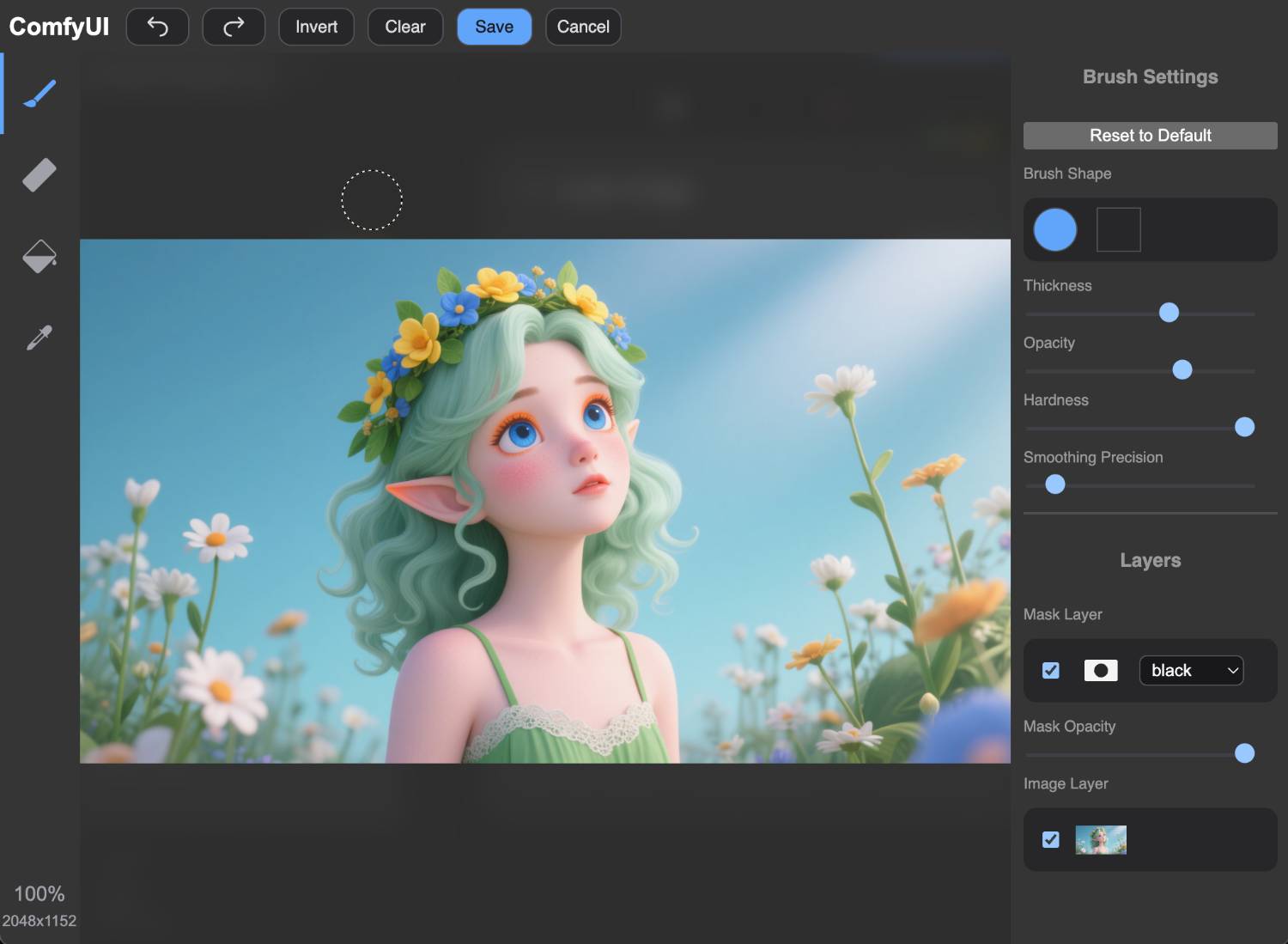 You can then click with your mouse on the image to create and edit masks.
Learn how to use the Mask Editor in ComfyUI, including settings and usage instructions
Load Image node. After uploading an image, you can right-click on the node and select Open in MaskEditor from the menu to open the Mask Editor.
You can then click with your mouse on the image to create and edit masks.